
Week 2 - Use Multi-factor Authentication
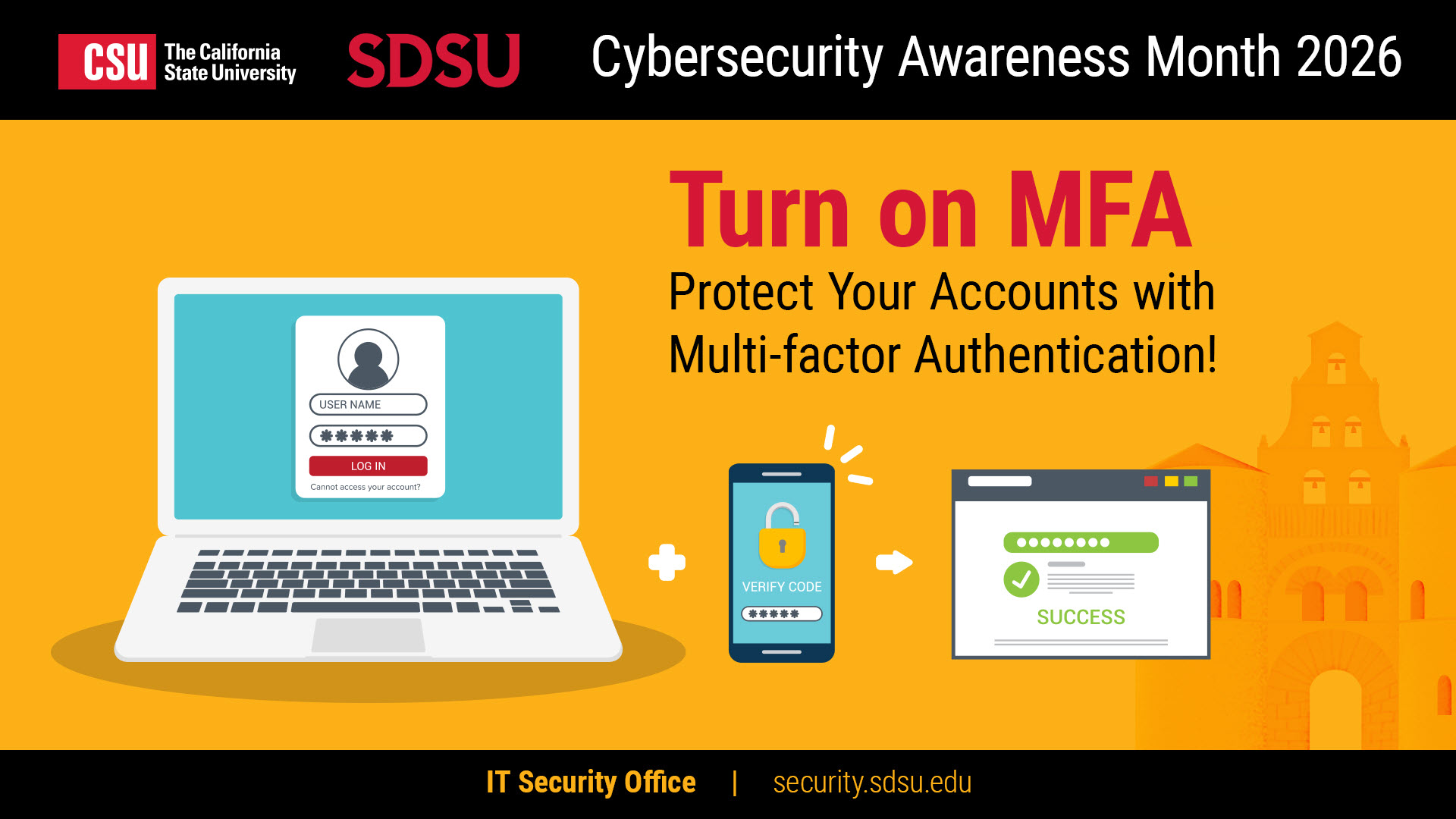
One Password Isn’t Enough
A password is one layer of protection—but what happens if someone steals it? Multi-factor authentication (MFA) adds another checkpoint, helping prevent unauthorized access even when a password is compromised.
At SDSU, Duo MFA helps protect university accounts, applications, and sensitive information.
How Does MFA Work?
MFA combines your password with an additional verification step, such as:
- Approving a notification on your registered device
- Entering a one-time verification code
- Using a security key, fingerprint, or facial recognition
Think of MFA as adding a second lock to your account. An attacker may obtain your password, but they still need another way to prove they are you.
Why MFA Matters
Phishing, data breaches, and malware can expose even carefully created passwords. MFA helps by:
- Blocking Account Takeovers: A stolen password alone is not enough.
- Protecting Your Information: MFA helps secure email, university records, financial accounts, and other sensitive data.
- Alerting You to Suspicious Logins: An unexpected Duo request may indicate that someone has your password.
- Supporting Safer Sign-Ins: Passkeys and security keys offer stronger, phishing-resistant protection when available.
Pause Before You Approve
An MFA request should never be automatic. Before approving a Duo notification, ask yourself: Did I initiate this login?
- Review the Request: Check the application and location before approving.
- Deny Unexpected Prompts: Repeated notifications may be an MFA fatigue attack.
- Keep Codes Private: Never share Duo codes, passcodes, or recovery information.
- Report Suspicious Activity: Deny the request, change your password, and contact the IT Help Desk if something appears suspicious.
Learn More
Visit the IT Security Office website on MFA to learn more about Duo MFA.
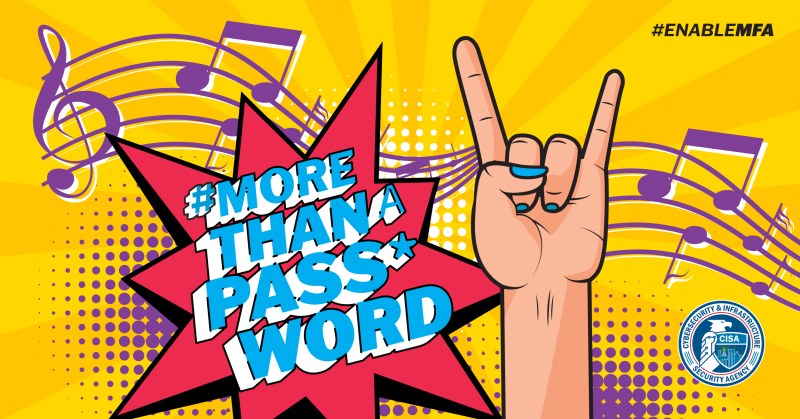
#MoreThanAPassword
It’s #MoreThanAPassword – MFA can save you the headache of recovering the data or money that bad actors stole.
Get Help
To request a service, please submit a ticket via ServiceNow.
Report an Incident
Please contact the Information Security team immediately if you experience or are aware of any of the following: