
Start Strong with AI
Start Strong with AI at SDSU
Using AI Safely
Before using any AI tool for SDSU work, teaching, research, or student support, pause and ask: What kind of data am I sharing?
The answer should guide which tool you use, what you enter, and whether you should use AI at all. At SDSU, the safest starting point is to:
- Identify the sensitivity of your data.
- Use SDSU-provided or professional AI tools when possible.
- Follow SDSU’s GenAI guidelines before entering prompts, uploading files, or sharing outputs. SDSU’s current guidance emphasizes responsible use, privacy, compliance, copyright, and academic integrity.
Why this Matters
Some AI platforms may retain prompts, uploaded files, or outputs in ways that create privacy, security, or compliance risks. SDSU advises employees to use professional versions of GenAI tools and not to upload confidential, proprietary, embargoed, or otherwise protected information into public GenAI tools.
SDSU’s data handling expectations also apply here: all users are responsible for protecting the confidentiality, integrity, and availability of university information assets, and campus-specific standards may impose additional requirements depending on the type of system or data involved.
SDSU Data Levels At a Glance
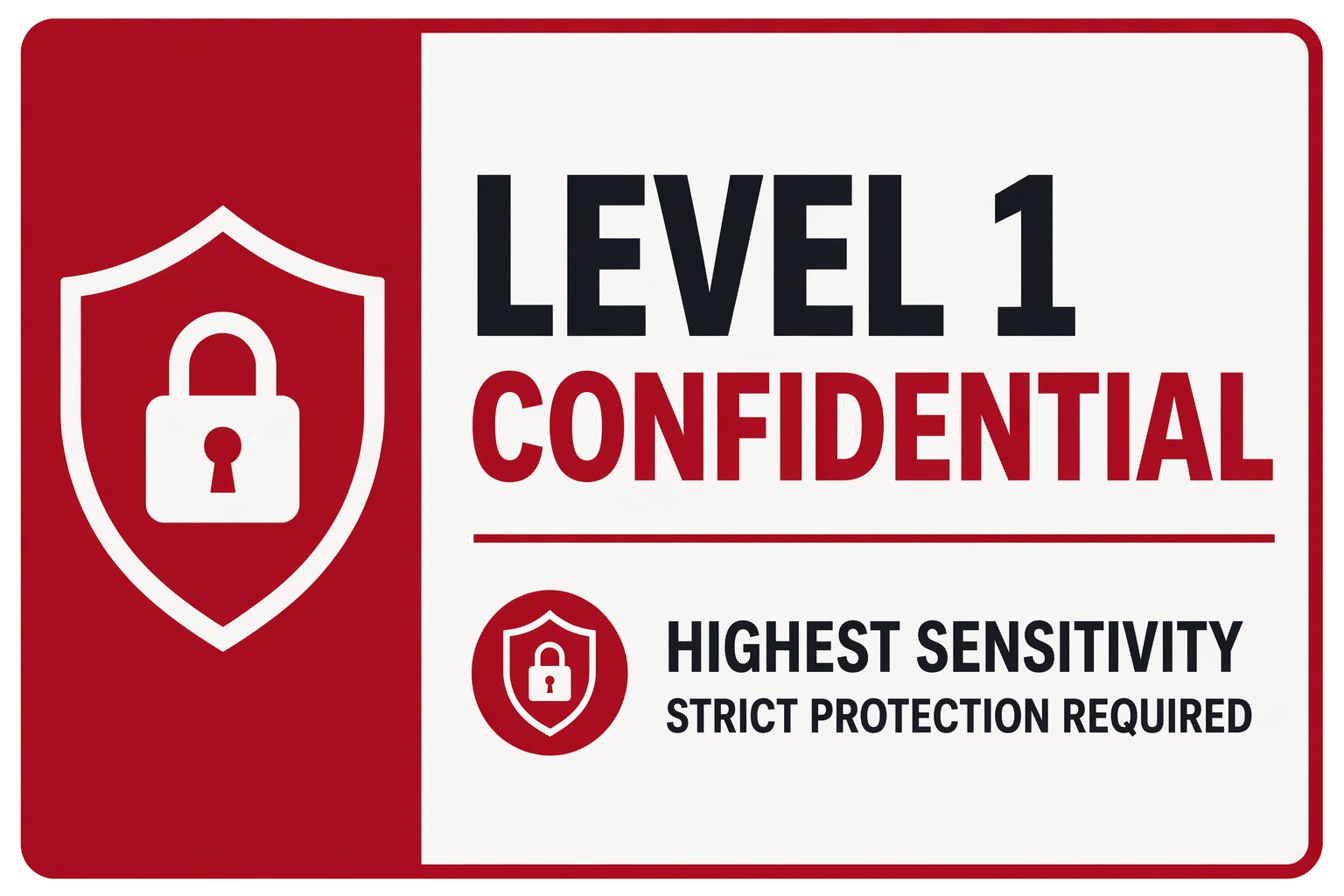
Level 1 (L-1 Confidential)
This is highly sensitive or regulated information.
Examples:
- FERPA-protected student records
- HIPAA-related health information
- Social Security numbers
financial account information - Credentials or passwords
- Research data under contractual or legal restriction
Not Allowed:
Do not enter into public AI tools. Level 1 data requires strict handling. SDSU’s sensitive data guidance identifies this data as requiring stronger protections, and access to Level 1 and Level 2 information must be specifically authorized under CSU policy.
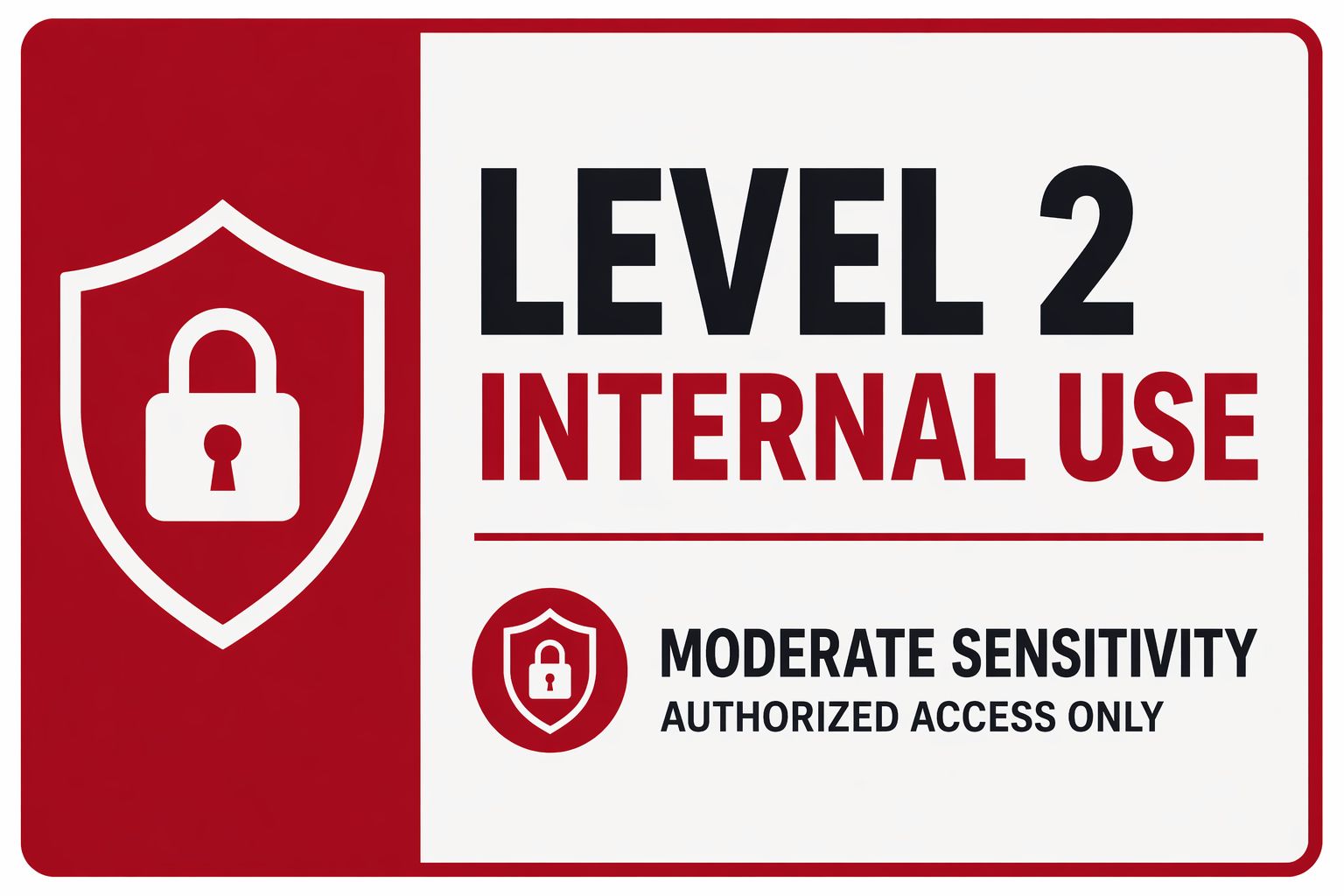
Level 2 (L-2 Internal Use)
This is non-public SDSU information that should stay within the university or with authorized users.
Examples:
- Student schedules
- Advising notes
- Internal budget details
- Employee information such as home address, personal email, or personnel actions
Not Allowed:
Do not place this information into public AI tools. Review SDSU guidance and use only university-supported or otherwise authorized tools and processes.
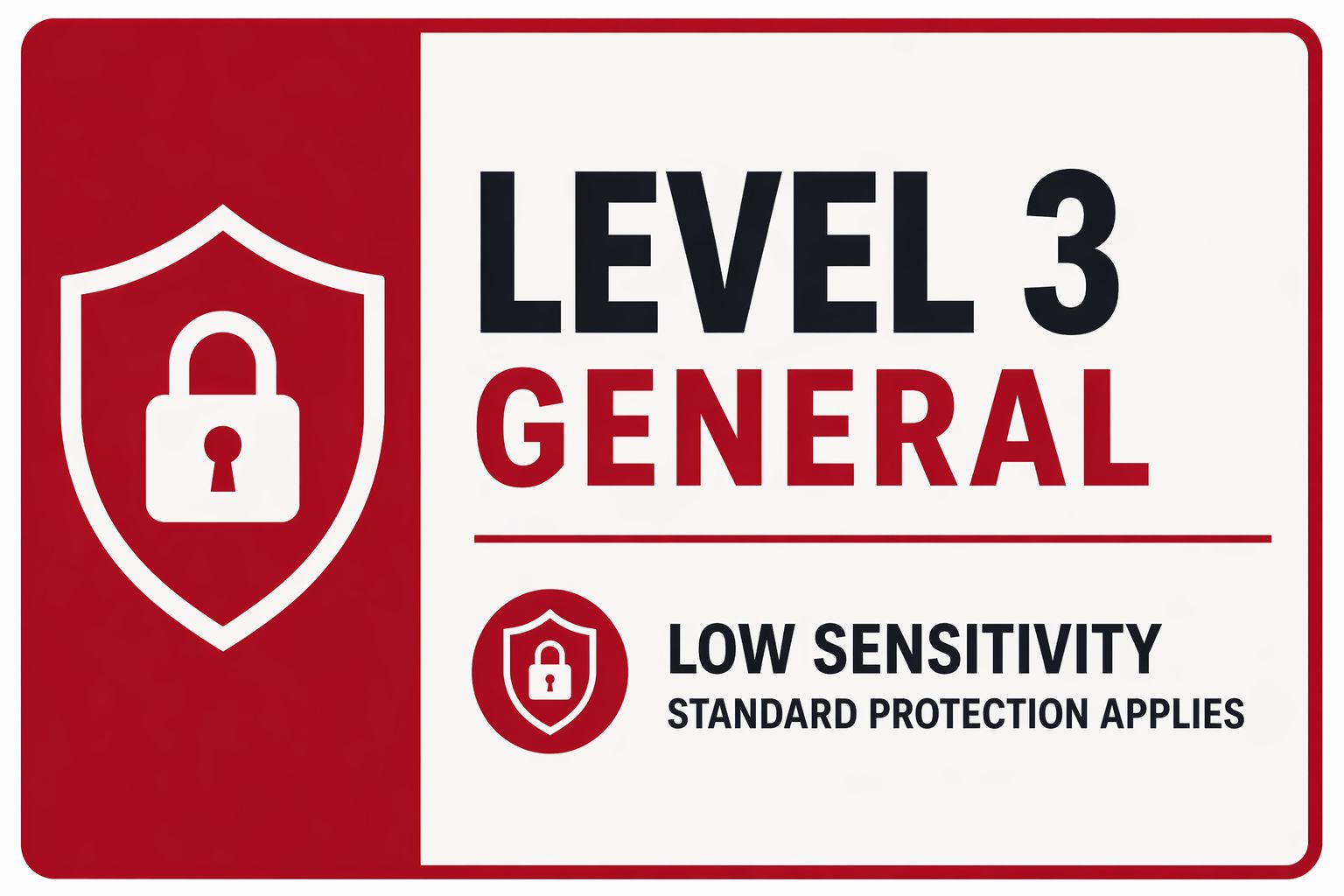
Level 3 (L-3 General)
This is information intended for public release or already public.
Examples:
Public website content
Published announcements
Public event descriptions
Marketing copy already approved for release
Typical AI Use:
- Drafting
- Summarizing
- Brainstorming
- Editing tone and style
AI Do’s and Don’ts
Review the Do's and Don'ts when using Al tools.
Get Help
To request a service, please submit a ticket via ServiceNow.
Report an Incident
Please contact the Information Security team immediately if you experience or are aware of any of the following: